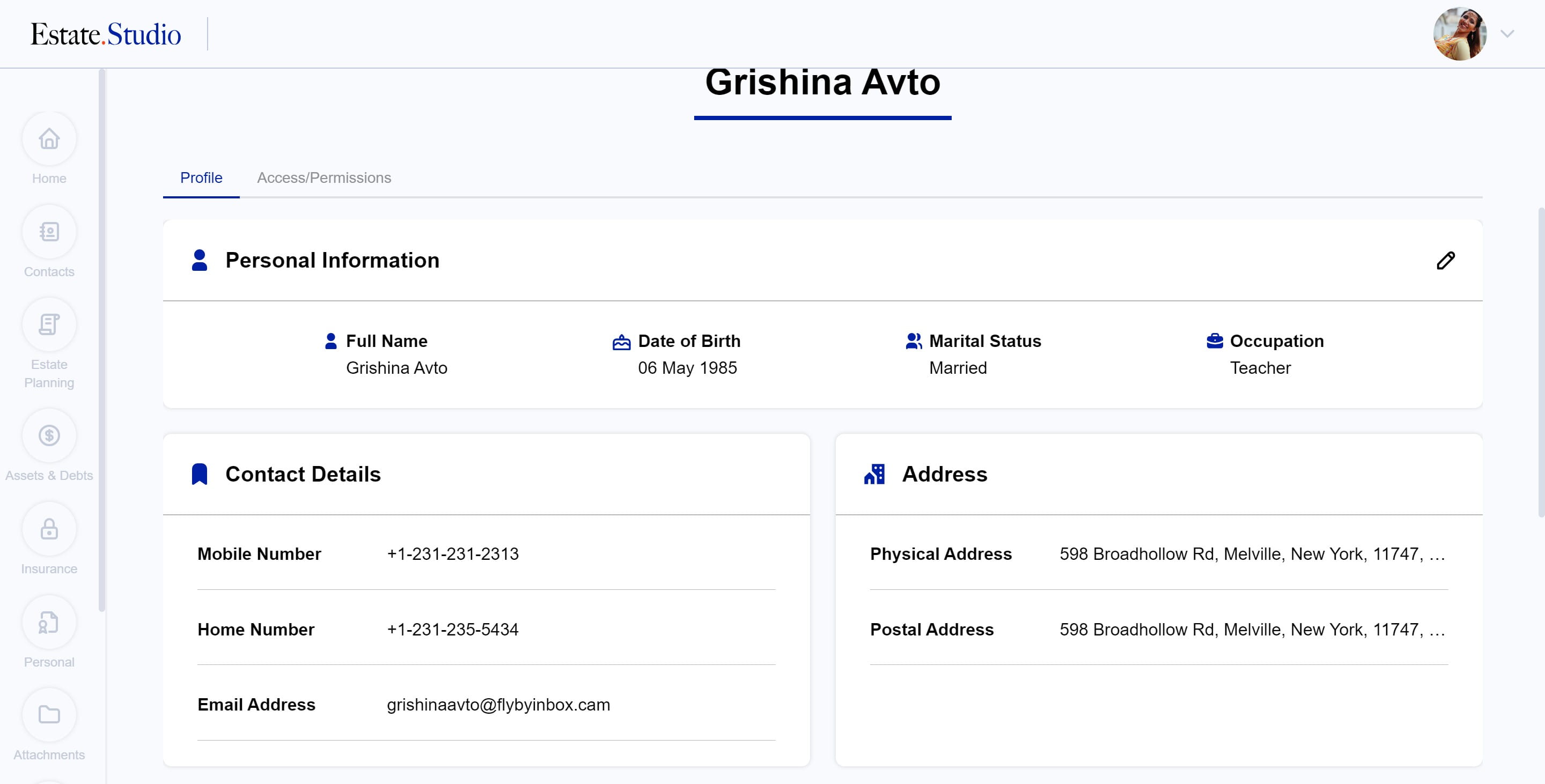
Estate.Studio - Edit Profile
Edit your profile information, including personal information, contact information, address details etc
Oct 15, 2024●
1
Navigate to https://my.estate.studio/dashboard/home
2
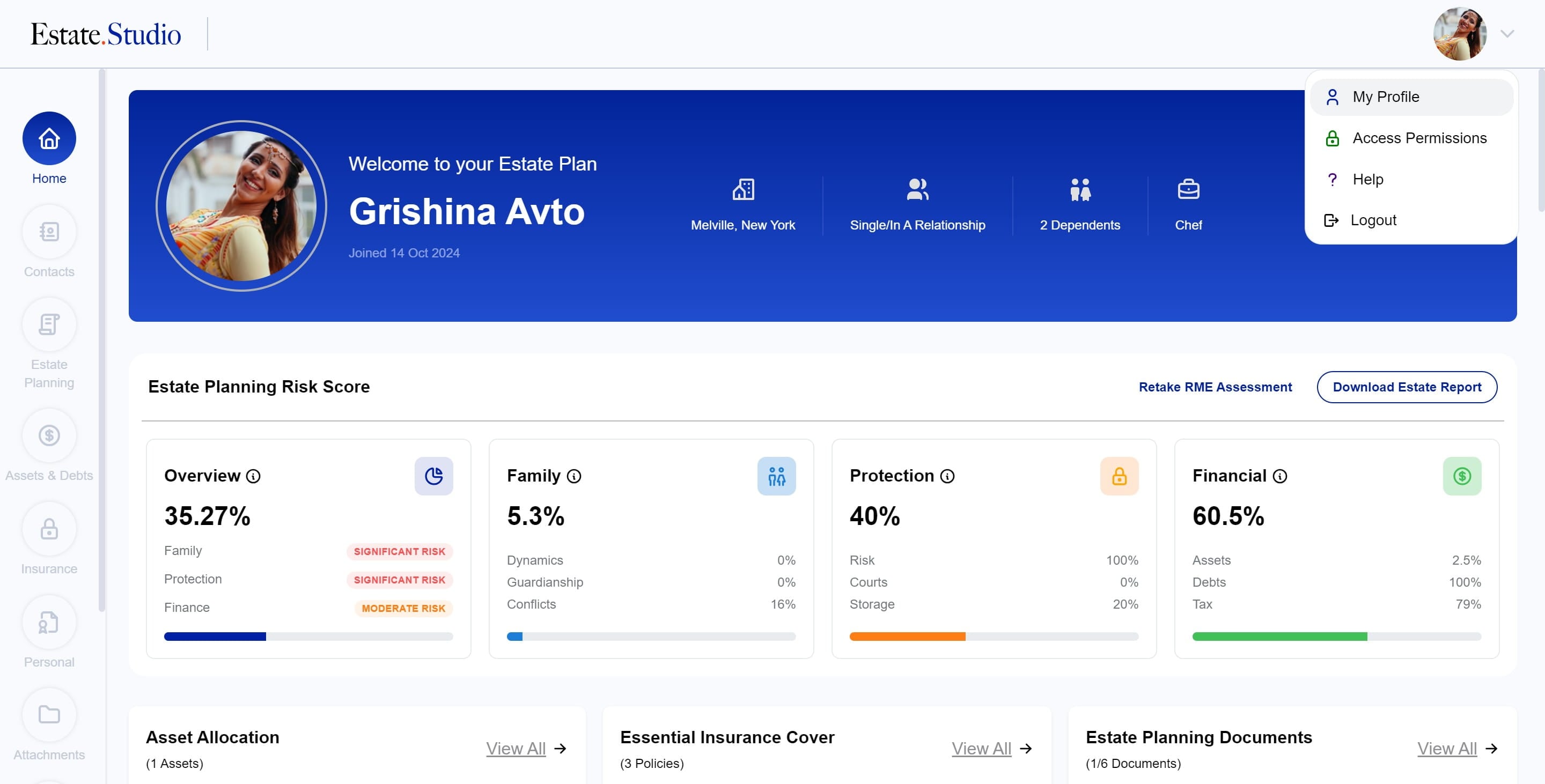
Click on "My Profile"
3
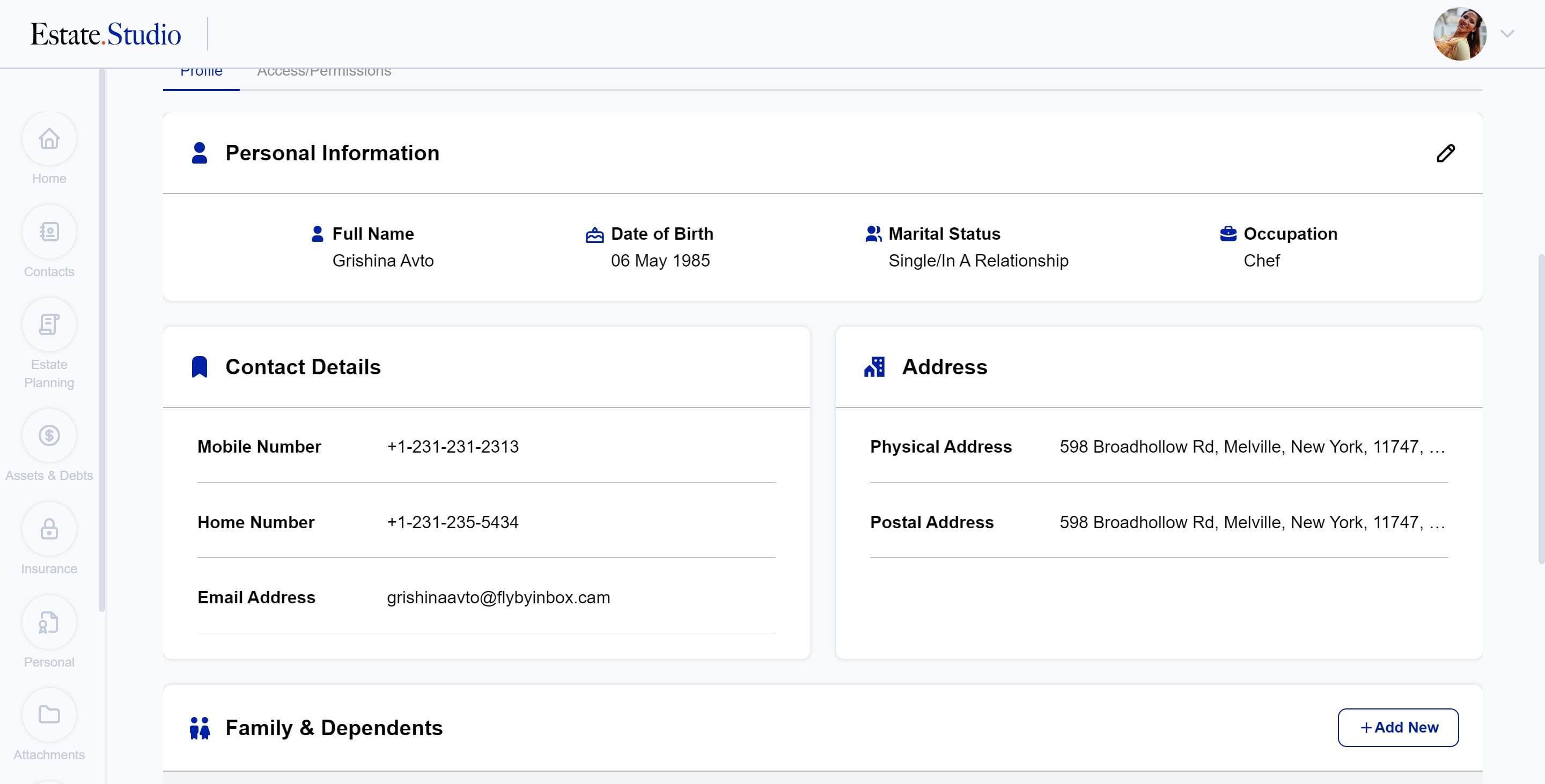
Click this icon
4
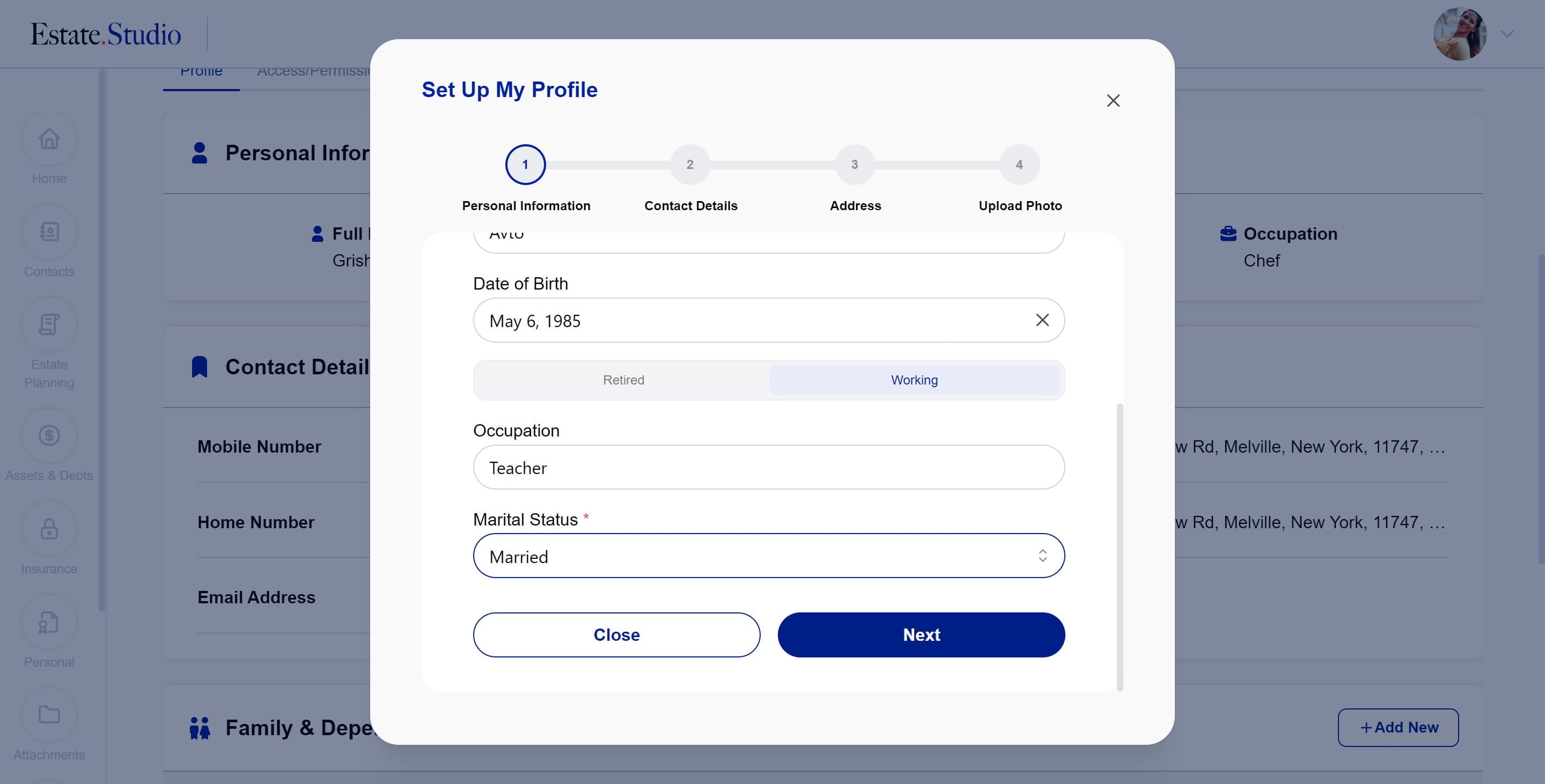
Make the required changes and click "Next"
5
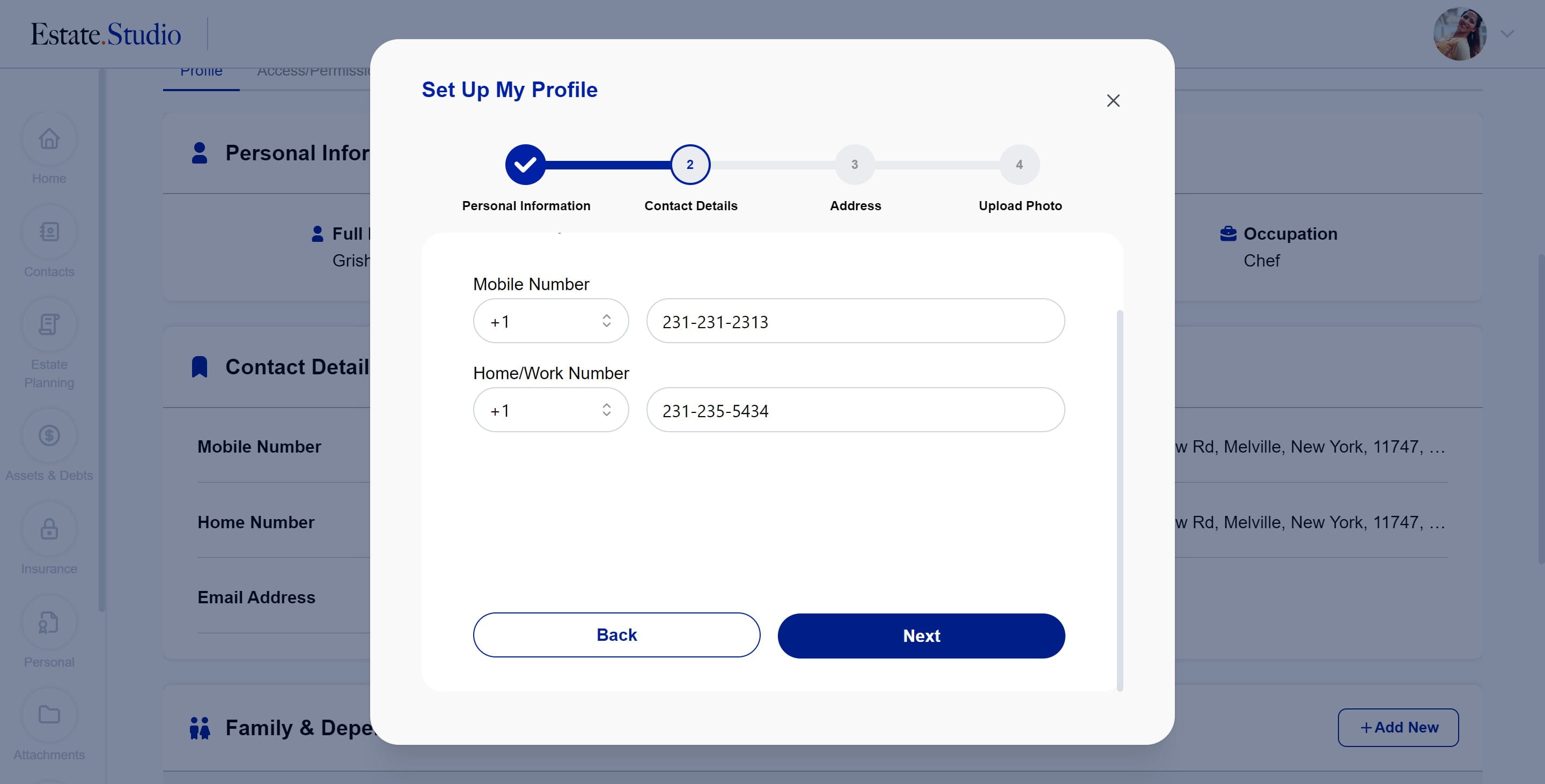
If you need to make changes to the contact numbers, enter the new information and click "Next"
6
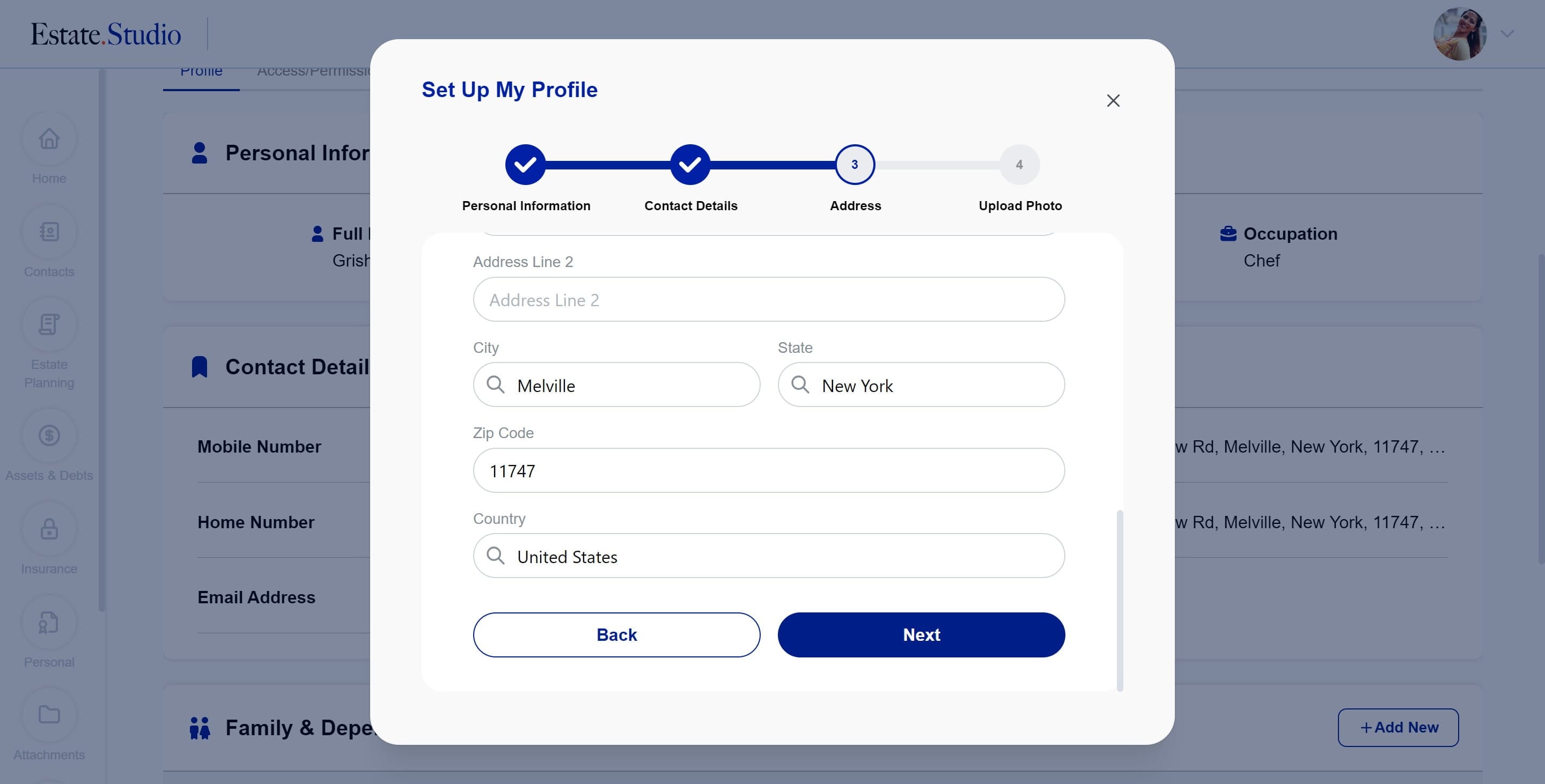
If you need to make changes to the address information, enter the new information and click "Next"
7
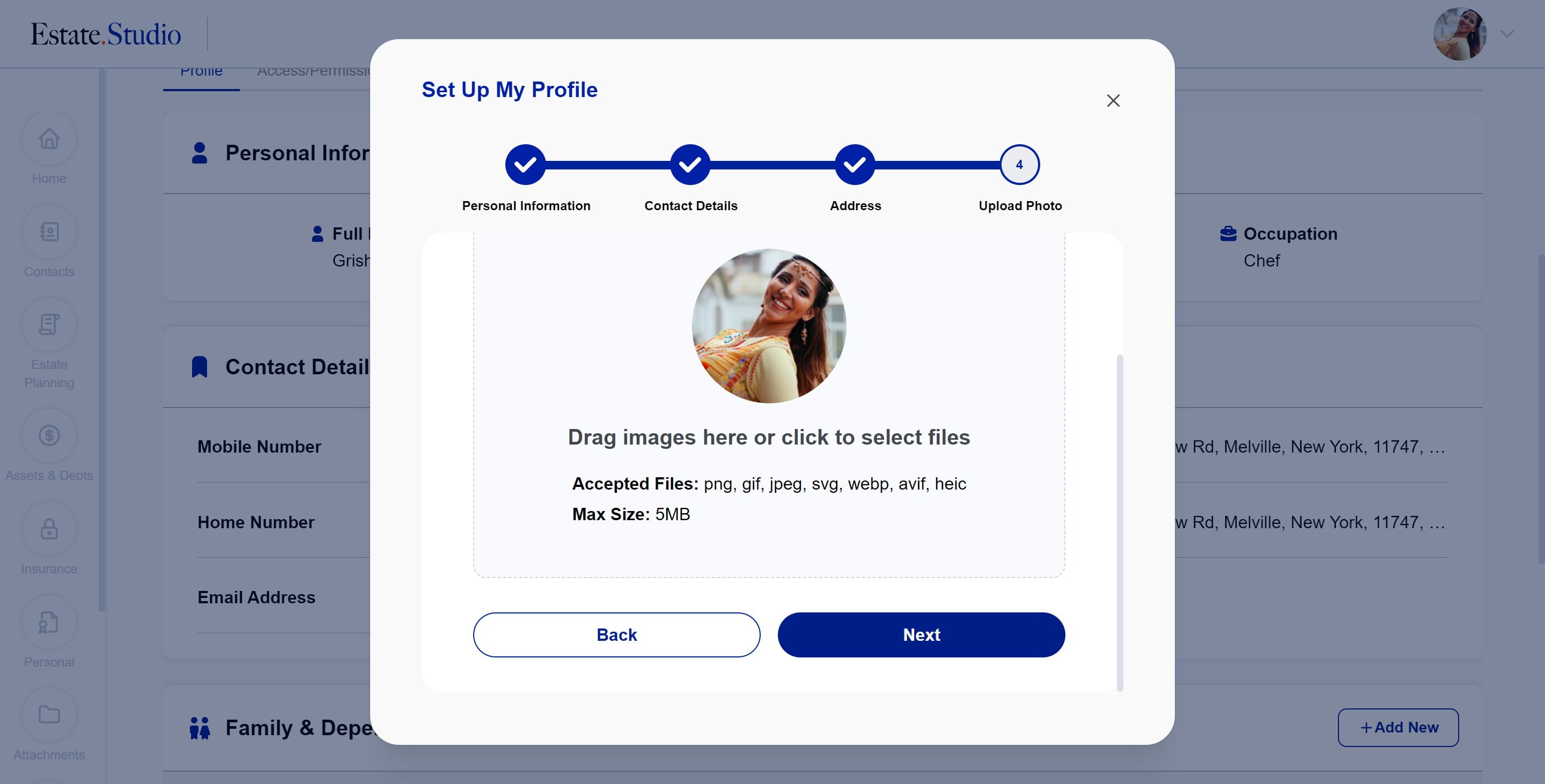
Upload a new image if you wish to change your profile image, then click on "Next"
8
Done 🚀